
BRT Accessories & Diagnostic Kits
Enhance Your BICOM® System with the Right Accessories, Test Kits and Software
Get more from your BICOM® bioresonance system with accessories and diagnostic kits designed to support your professional workflow. At Optimal Health Group, we offer access to BICOM® accessories and diagnostic resources that complement compatible systems, helping you configure your equipment to suit your intended applications and practice requirements.
From applicators and electrodes to test kits and software modules, the right components can help you organise sessions, work with compatible equipment, and make better use of your system’s available functions.
Whether you are setting up a new practice, expanding an existing BICOM® system, or replacing an accessory, choosing compatible components is an important step towards a smooth and efficient workflow.
Contact Optimal Health Group to enquire about BICOM® accessories, diagnostic kits, and compatibility with your existing device.
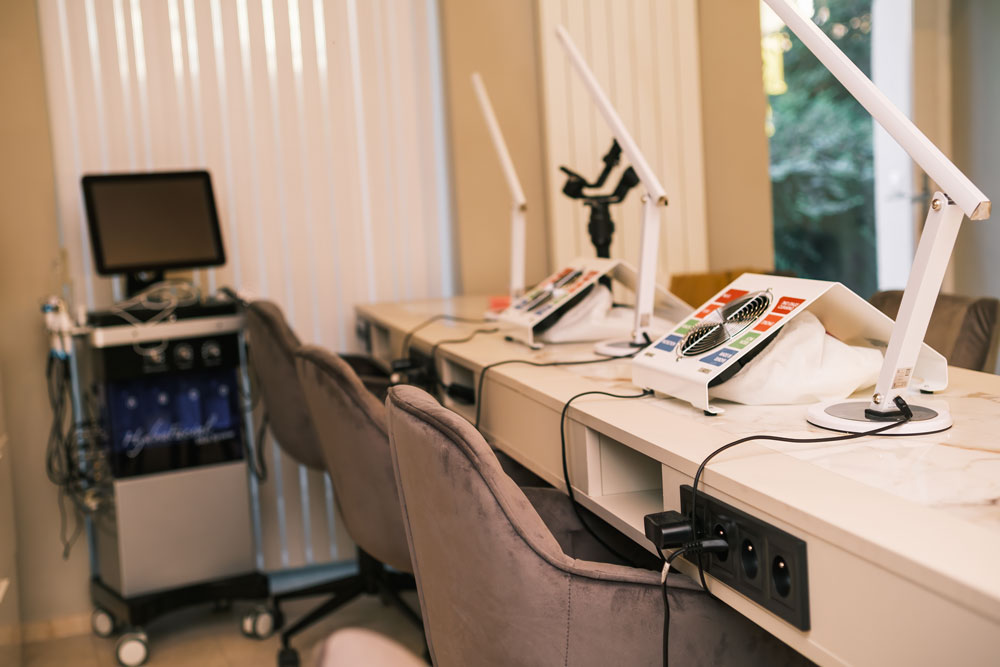
Explore BICOM® Accessories and Diagnostic Kits
BICOM® systems can be configured with different accessories and supplementary components, depending on the model, software, and intended use. Understanding the role of each component can help you identify what you need before ordering.
Applicators and electrodes are components used with compatible BICOM® systems as part of their intended operating procedures. Different designs may serve different application or placement requirements.
When selecting an applicator or electrode, check the connector type, device model, intended application, and manufacturer’s instructions. Choosing the correct component helps ensure that it fits your equipment and can be used as intended.
Test kits and related accessories are available for use with compatible BICOM® systems and designated testing procedures. Depending on the kit, components may be organised around particular substances, categories, or practitioner workflows.
Before choosing a test kit, review its contents, intended use, and compatibility requirements. Some kits may require specific equipment or software, so confirming these details in advance can help prevent ordering an unsuitable product.
Compatible software modules can extend the functions available within supported BICOM® systems. Depending on the software and licensing arrangement, modules may provide access to additional programmes, testing resources, or system features.
Software compatibility is especially important when upgrading an existing setup. Confirm your device model, software version, and licensing requirements before purchasing an additional module.
Cables and connection accessories support the setup and operation of compatible equipment. The correct cable or connector depends on the device and the accessory being connected.
When replacing a cable, check its length, connector design, and compatibility with your specific BICOM® model. Do not assume that accessories designed for different device generations or configurations are interchangeable.
Depending on the model and configuration, BICOM® systems may support other components, such as modulation mats, input or output beakers, storage accessories, and dedicated applicator attachments.
If you are unsure which components your system supports, consult the relevant operating manual or ask us to help you identify the appropriate accessories.
Why Choose the Right BICOM® Accessories?
The accessories used with a professional device are important to its practical setup and day-to-day use. Selecting the correct components can help you maintain an organised workspace and ensure that the equipment matches your intended workflow.
- Support Your Practice Setup: A well-planned equipment setup makes it easier to identify the components needed for routine sessions, replacements, and future additions.
- Maintain Equipment Compatibility: Using accessories specified for your particular model helps avoid unnecessary purchasing errors and compatibility problems.
- Expand Available Functions: Where supported, suitable accessories, test kits, and software modules can provide access to additional system functions. The available options depend on the device, software version, and manufacturer's requirements.
- Simplify Accessory Replacement: Replacement components can help practitioners maintain their existing setup when an accessory is damaged, worn, or missing. Confirm the exact part specification before ordering.
- Plan Future Upgrades: If you intend to expand your equipment in the future, reviewing compatibility and licensing requirements in advance can help you make a more informed purchasing decision.
How to Choose the Right BICOM® Accessory or Diagnostic Kit
Not every accessory or kit is suitable for every BICOM® system. Before placing an order, consider the following factors.
1. Identify your BICOM® model
Confirm whether you use a BICOM optima®, BICOM optima® mobil, or another BICOM® device. The model name and generation can affect accessory compatibility.
2. Define your requirements
Determine whether you need a replacement component, an additional applicator, a testing accessory, or a software-related upgrade. Having a clear purpose makes it easier to narrow down the available options.
3. Check the specifications
Review the product description, connector type, dimensions where relevant, included components, and any model-specific requirements.
4. Confirm software and licensing requirements
Some digital resources or software modules may require a compatible programme version or licence. Verify these details before purchasing.
5. Review the product documentation
Manufacturer instructions can clarify the intended use, setup, cleaning, storage, and maintenance requirements of an accessory.
6. Ask for assistance when needed
If you are uncertain about a part number, kit contents, or compatibility, seek confirmation before ordering. This can help you avoid unnecessary delays and ensure that the selected product meets your requirements.
BICOM® Accessories for Professional Use
BICOM® equipment is used in complementary health practice settings. Its accessories and supplementary components should be selected according to the relevant device documentation, the manufacturer’s instructions, and your intended workflow.
For professional users, it is useful to maintain a clear record of device models, accessory specifications, software versions, and replacement requirements. This can simplify equipment management and make future upgrades easier to plan.

Why Source Your BICOM® Accessories Through Optimal Health Group?
- Product guidance: Get assistance identifying the type of accessory or kit you require.
- Compatibility considerations: Check whether a component is suitable for your existing BICOM® model.
- Equipment planning: Explore options for replacing components or expanding a compatible setup.
- Practical enquiries: Request further information about specifications, availability, and ordering.
The goal is to help you identify the right components for your equipment and intended use, with compatibility and product documentation considered before purchase.
